Wireless charging has moved from a convenient extra to an everyday habit, powering phones, earbuds, and watches with a simple placement on a pad. Its effect on long-term battery life depends less on the absence of a cable than on the heat produced during charging, the quality of the equipment, and the way the device is used.
Understanding wireless charging safety and battery health
Wireless charging transfers energy through electromagnetic induction. A coil in the charging pad creates a changing magnetic field; a coil in the phone receives that energy, and internal electronics convert it into a form the battery can use.
Because wireless charging involves several energy conversions, some energy is lost as heat in the coils and charging circuitry, so a phone may feel warmer on a pad than during a comparable wired session. This warmth does not mean the battery is being damaged, but prolonged exposure to elevated temperatures can accelerate degradation, so the key distinction is between ordinary warmth and sustained, excessive heat.
Managing charging temperature to protect long-term battery life
Heat management is the most useful lens for judging wireless charging and long-term battery life. Misaligned coils transfer energy less efficiently, while thick cases increase the distance between the coils and may trap heat against the phone. Metal accessories can also interfere with charging and, in some circumstances, become hot.
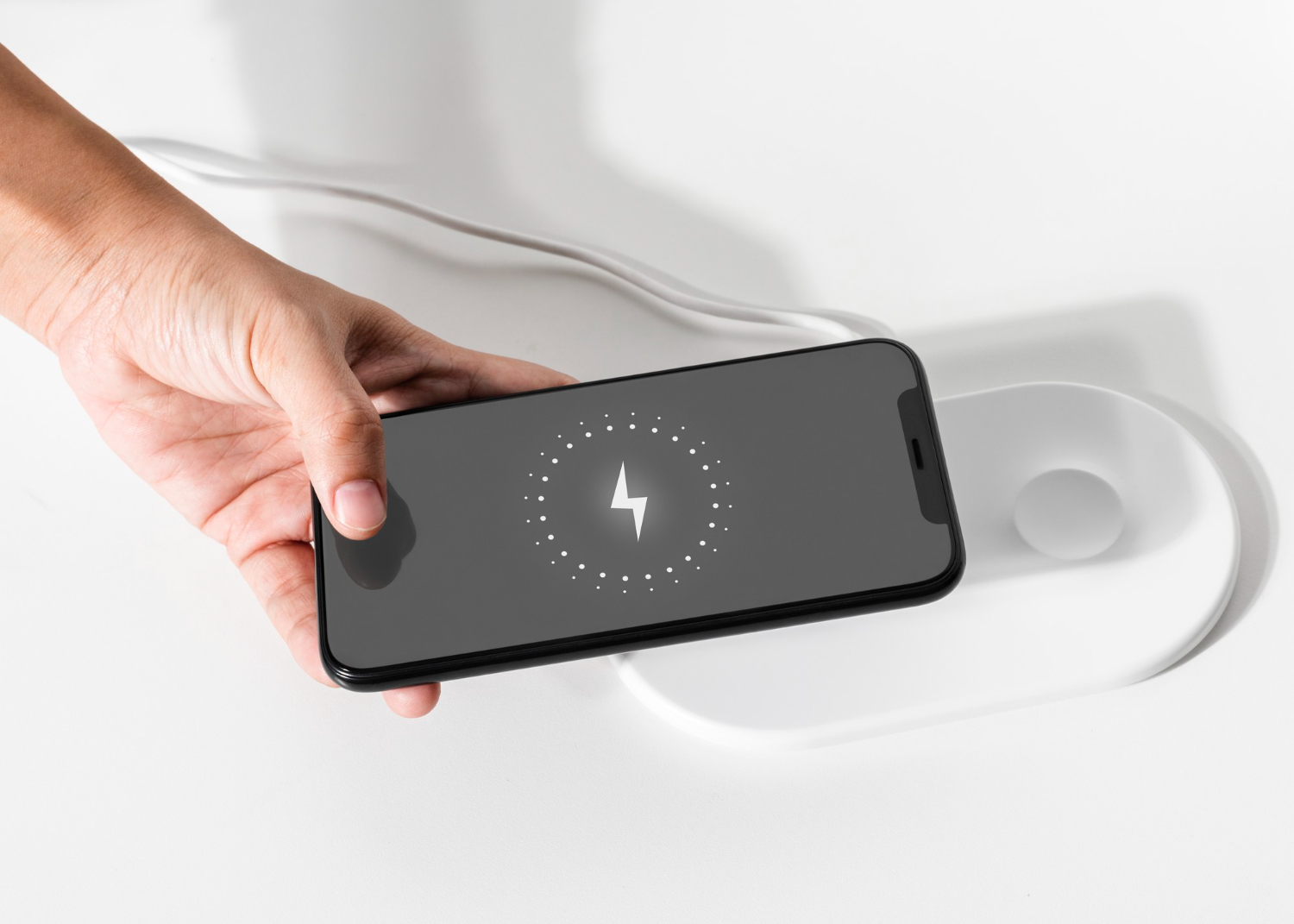
Charging power matters as well. Faster wireless modes can generate more heat than lower-power charging, especially when the phone is also running demanding tasks such as gaming, navigation, or video recording. If charging speed is not important, a slower mode may help keep temperatures lower.
Practical habits can reduce avoidable heat without making charging complicated:
- Place the phone centrally on the pad so the charging coils align.
- Use a thin case designed for wireless charging, and remove cases with metal plates or bulky card holders if charging is unreliable.
- Keep the charger on a hard, open surface rather than under bedding or on a heat-trapping cushion.
- Avoid charging in direct sunlight or in a hot room.
- Limit demanding phone use while charging, particularly when the device already feels warm.
- Use the device’s adaptive or optimized charging setting when available, especially for regular overnight charging.
These steps address the conditions that make wireless charging inefficient or hot; they do not imply that every warm charging session is harmful. If a phone repeatedly stops charging, becomes excessively hot, or displays a temperature warning, let it cool and check the case, alignment, adapter, and charger before trying again.
Choosing Qi certification and a compatible wireless charger
Charger quality affects both reliability and heat. Qi certification, which means a product has been tested against Wireless Power Consortium requirements for compatibility and interoperability, is a useful screening measure, though it cannot guarantee that every charging combination will run cool in every environment.
Check the charger’s stated compatibility with the phone, its supported power level and the adapter it requires, since a pad’s maximum output does not mean the phone will accept it: the two negotiate a suitable level. Qi is widely supported, but many basic pads rely on manual placement, whereas Qi2 and MagSafe add magnetic alignment for supported devices to keep the coils positioned consistently. These standards ease alignment, but they do not eliminate heat or make every charger interchangeable.
| Feature | What to check | Why it matters |
|---|---|---|
| Certification | Qi or Qi2 certification where applicable | Supports tested interoperability and charging behavior. |
| Power rating | Output supported by the phone and adapter | Prevents expectations of speed the device cannot meet. |
| Magnetic system | Qi2, MagSafe, or other stated compatibility | Ensures magnetic alignment works with the device. |
| Safety controls | Temperature monitoring and foreign-object detection | Helps manage abnormal heat and metal interference. |
Wireless charging safety therefore depends on the entire setup, not only the pad: the phone, case, adapter, placement, and surrounding temperature all contribute to the result.
Comparing wireless and wired charging for battery longevity
Both wired and wireless charging suit modern lithium-ion batteries: wired charging is usually more efficient and faster, while wireless avoids repeated cable insertion and allows convenient drop-and-charge routines. Since wireless charging can generate extra heat, a cable is the better choice when the phone is already warm, fast charging is needed or the device is heavily used, whereas a well-matched wireless charger on an open surface works well for ordinary top-ups. Neither method stops normal battery aging, so avoiding extreme heat and using built-in battery optimization matter more than treating one method as universally harmful.
Consider the charging approach in light of the situation:
- Choose wired charging when speed and efficiency are priorities or when the phone is warm.
- Choose wireless charging for convenient routine charging with compatible, certified equipment.
- Use a lower-power mode when a fast charge is unnecessary and minimizing warmth is preferred.
When unusual heating or repeated charging failures continue after these checks, consult the device manufacturer or a qualified repair professional for advice tailored to the phone and charger.